Pen tablet or display tablet? How to pick a drawing tablet for making POD artwork. This guide covers what to compare so you can check current options and reviews yourself.
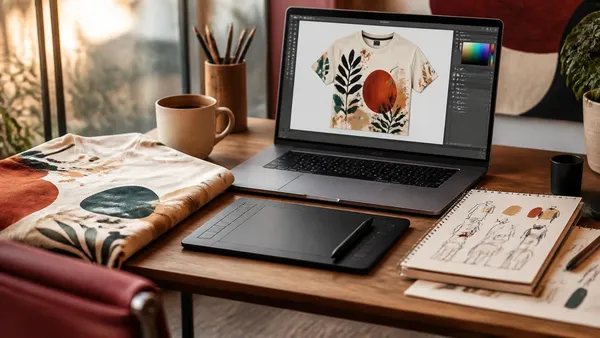
Pen tablets
A pen tablet has no screen. You draw on the pad and watch the cursor on your monitor. They cost less and are a good way to learn, though hand eye coordination takes some practice.
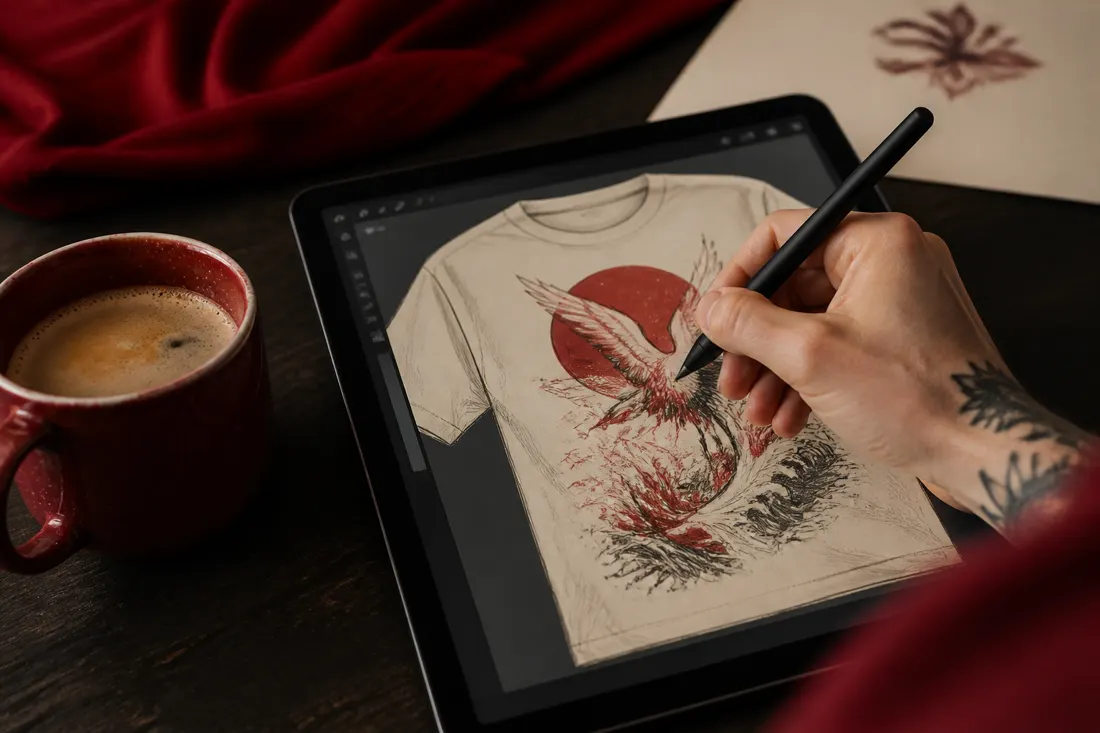
Display tablets
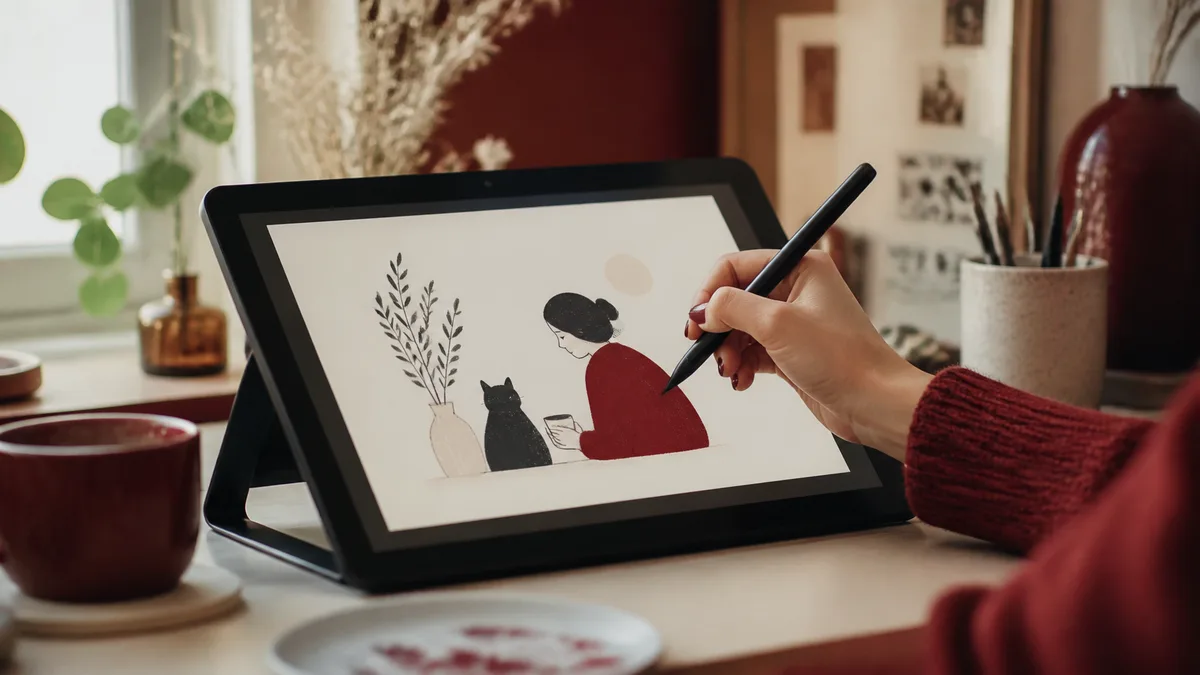
A display tablet lets you draw directly on the screen, which feels more natural to many people. They cost more and take up more desk space.
Do you need one at all?
Many POD designs are text or simple shapes made with a mouse in tools like Canva or vector apps. A tablet helps most if you hand draw illustrations or lettering.
What to compare
- Active drawing area
- Pressure sensitivity and pen feel
- Driver support for your operating system and design app
- Whether shortcut buttons fit how you work